The theme

Every page of your website, without code

A HubSpot CMS theme with the sections a B2B site actually needs, the brand set in one place, and speed that survives the tenth page.

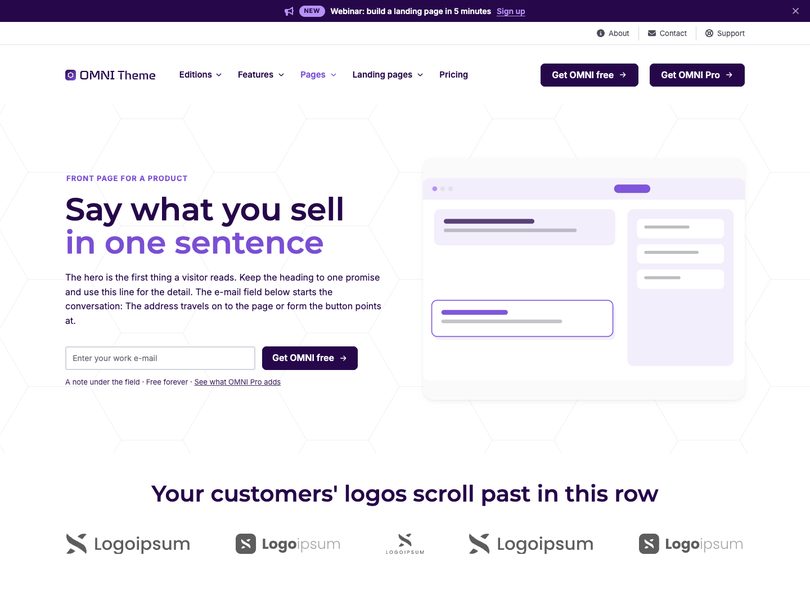
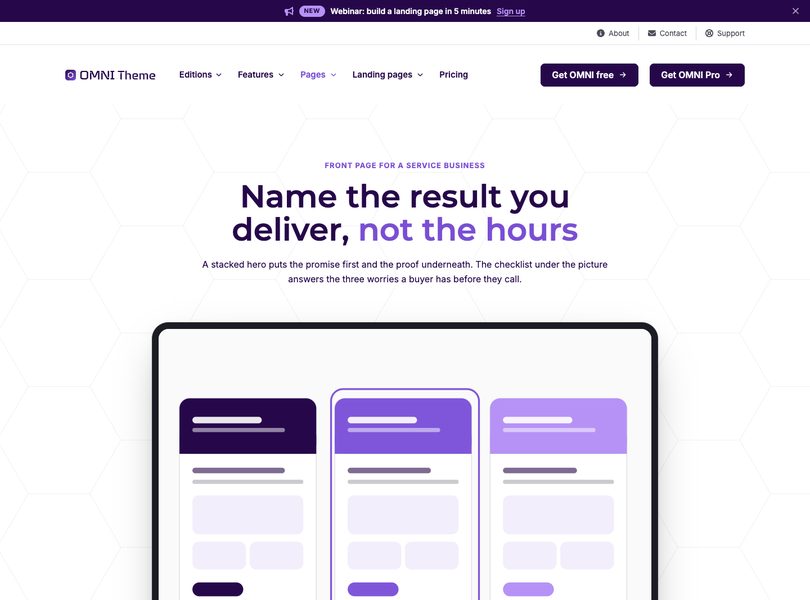
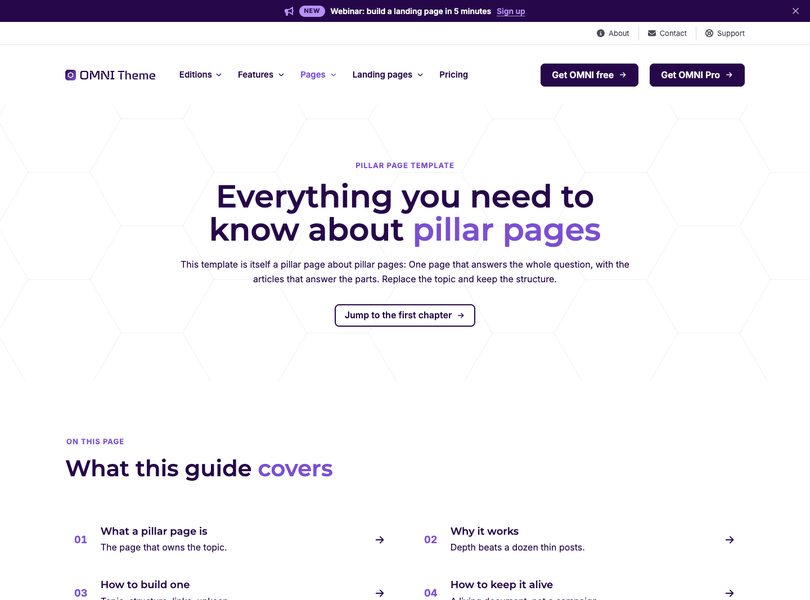
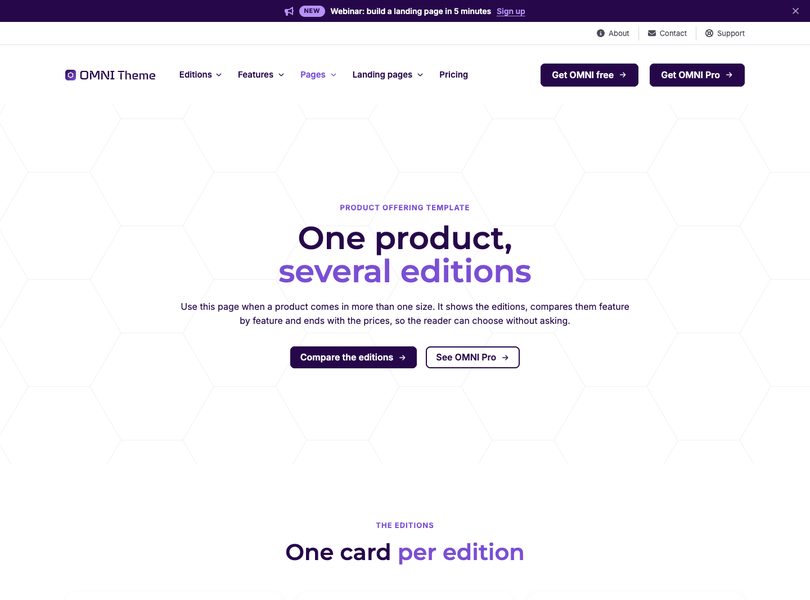
The theme in the page editor

What it does

Three things it takes off your plate

Build pages without waiting

Drag a section in, write the words, publish. Nothing queues behind a developer.

Keep the brand consistent

Colours, fonts, corners, shadows and motion are theme settings, so page ten looks like page one.

Stay fast as the site grows

One stylesheet, subset fonts, resized images and modules that read no layout while the page loads.

Modules

Sections that do the work

Heroes with five height presets, feature cards, pricing tables with a billing switch, comparison tables with structured data, timelines, quotes, questions, calls to action with a form or a meeting calendar. Each one has its own layout, colour and motion settings.

The module list

Theme settings

The brand, set once

Your fonts, colours, buttons, corner radius, spacing and motion live in one panel. Set them once and every page follows, including the ones built last year, so nobody has to remember a hex value or match a heading by eye. Rebrand in an afternoon instead of a quarter, and light and dark colour mode comes from the same place.

Theme settings with the brand colours

Performance

Fast is included, not a project

The theme ships one bundled stylesheet, its own subset fonts, images served through HubSpot's resizer, and scripts deferred to the footer. The demo site scores 98 on a mid-range phone with the analytics running.

A performance report

Results

What a finished site looks like

  • 32

    Modules

    Everything a B2B website needs, in one theme.

  • 20

    Page templates

    Front pages, pillar pages, product, service, about, contact and five landing pages.

  • 98 %

    Lighthouse performance

    Measured on the demo site, on a mid-range phone.

Customer

How it went for them

The first page took an afternoon. The tenth took twenty minutes, and it still looked designed.
Jonas Berg Digital Lead, Contoso

Practical

Questions about the theme

Does it work with our existing HubSpot content?

Yes. The theme is a normal HubSpot CMS theme: pages, blogs and system pages all use it, and your existing content stays where it is.

Can we keep our own design?

Colours, fonts, corners, shadows and motion are theme settings. OMNI Pro adds a custom CSS field per module for the last five percent.

What happens when we upgrade to Pro?

Pro adds modules and fields to the same theme. Everything you have already built keeps working exactly as it is.

See it on your own content

Bring one page. We will rebuild it live.

Thirty minutes, no slides, and you keep whatever we build.