Skip to content
New Webinar: build a landing page in 5 minutes Sign up

Landing page templates

Five landing pages, two editions

Each one is a template in the theme: pick it when you create a landing page, connect your own HubSpot form and publish. The forms on the demo pages work, so you can try them. Nothing is sent to you afterwards.

In the free theme

Free landing pages

Built with the free modules, with the site menu kept so a visitor can reach the rest of the site.
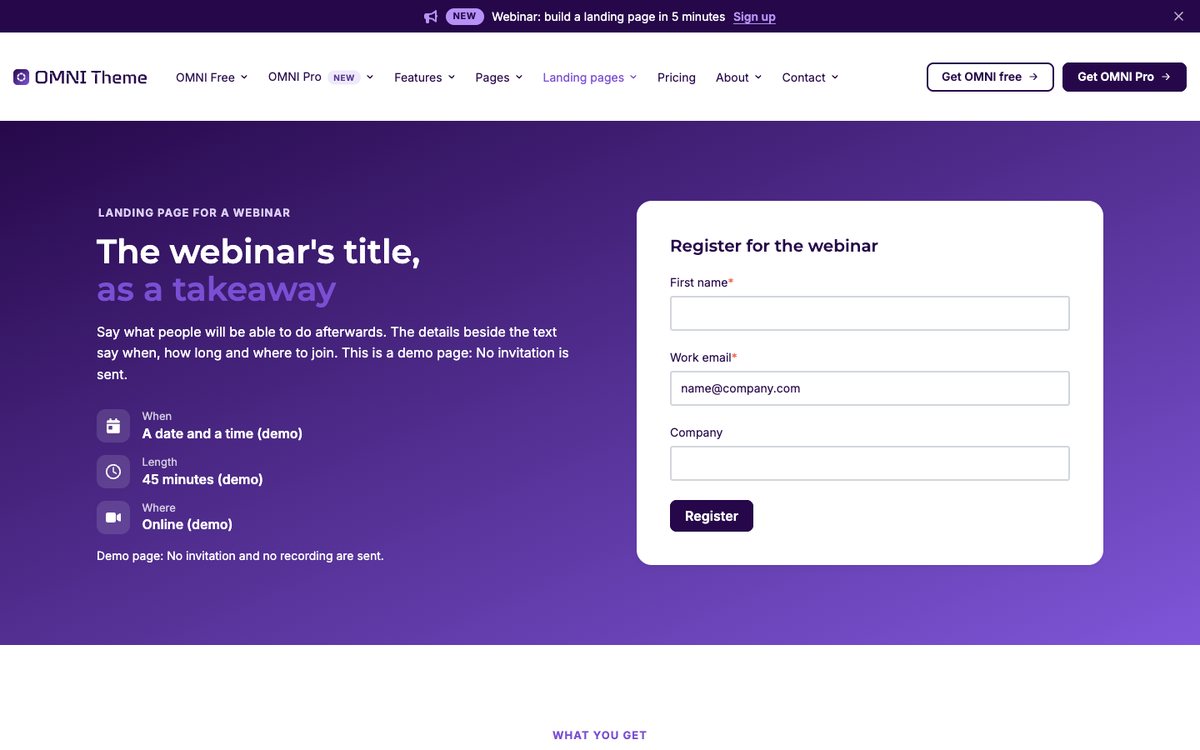
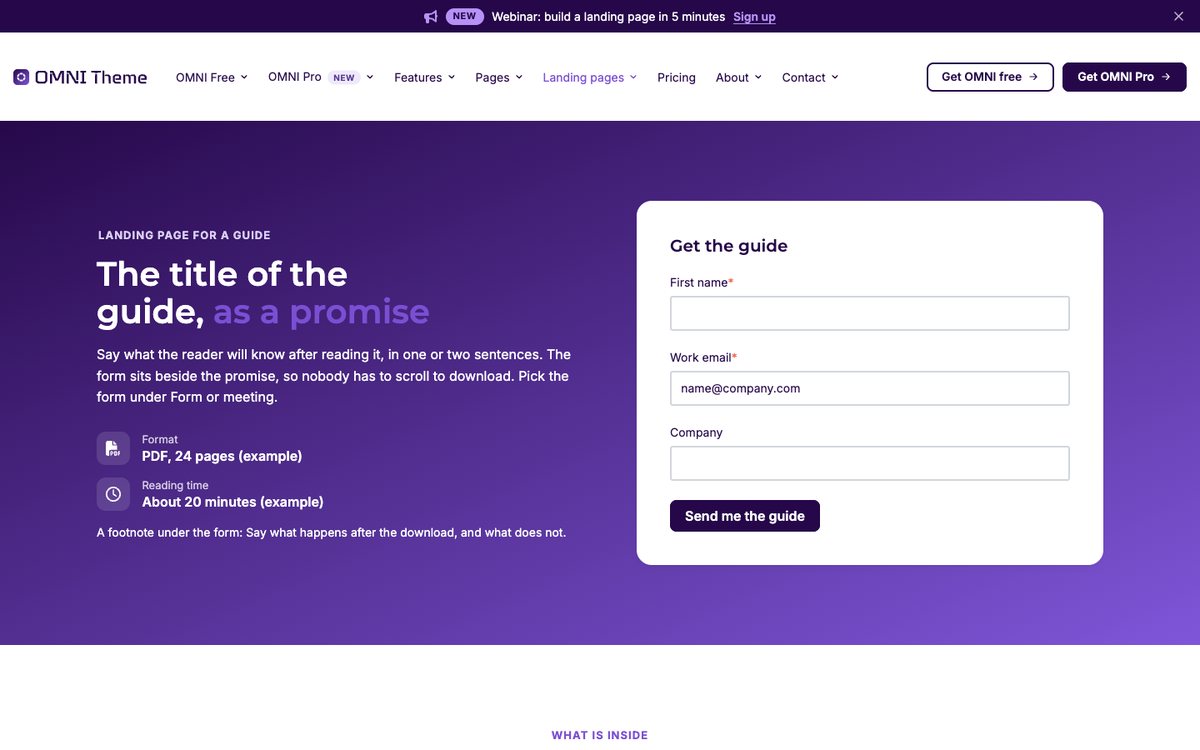
The first screen of the E-book or guide page

E-book or guide

The form beside the promise, the chapters, a reader quote and the numbers behind it.
Open the page
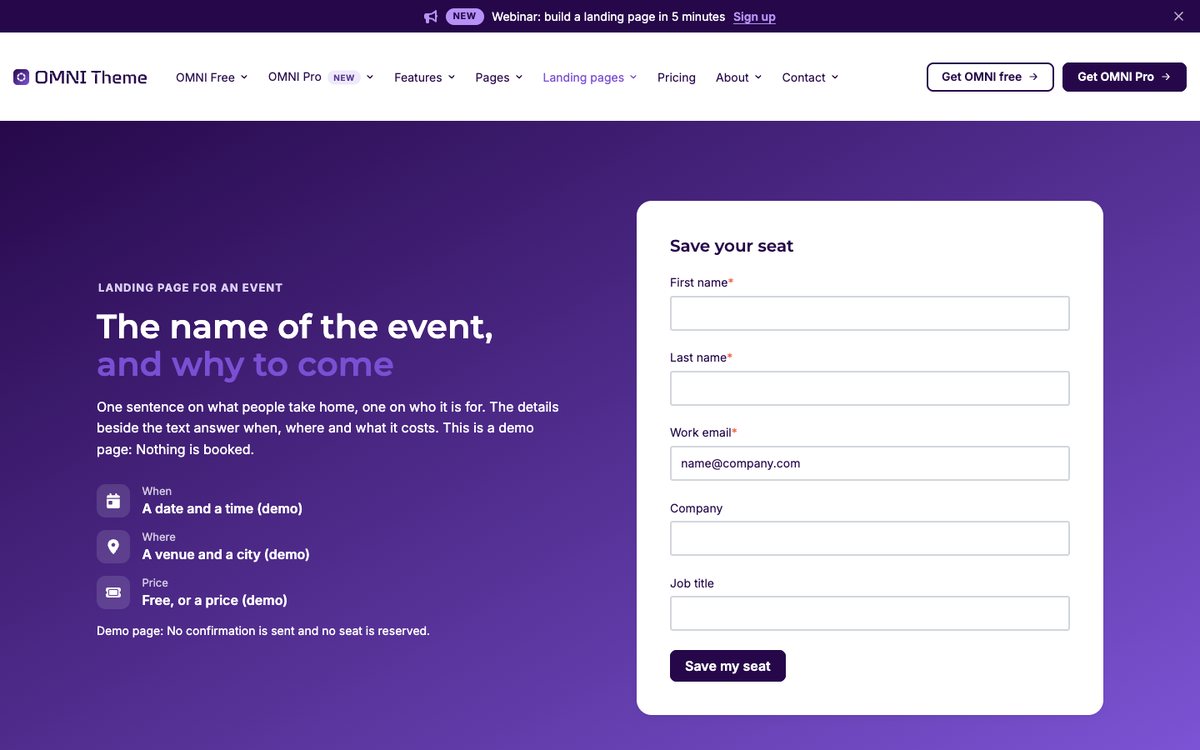
The first screen of the Event (demo) page

Event (demo)

The form beside the practical details, the programme and the speakers. Marked as a demo page.
Open the page
The first screen of the Webinar (demo) page

Webinar (demo)

The form, what you will learn, the programme and the hosts. Marked as a demo page.
Open the page
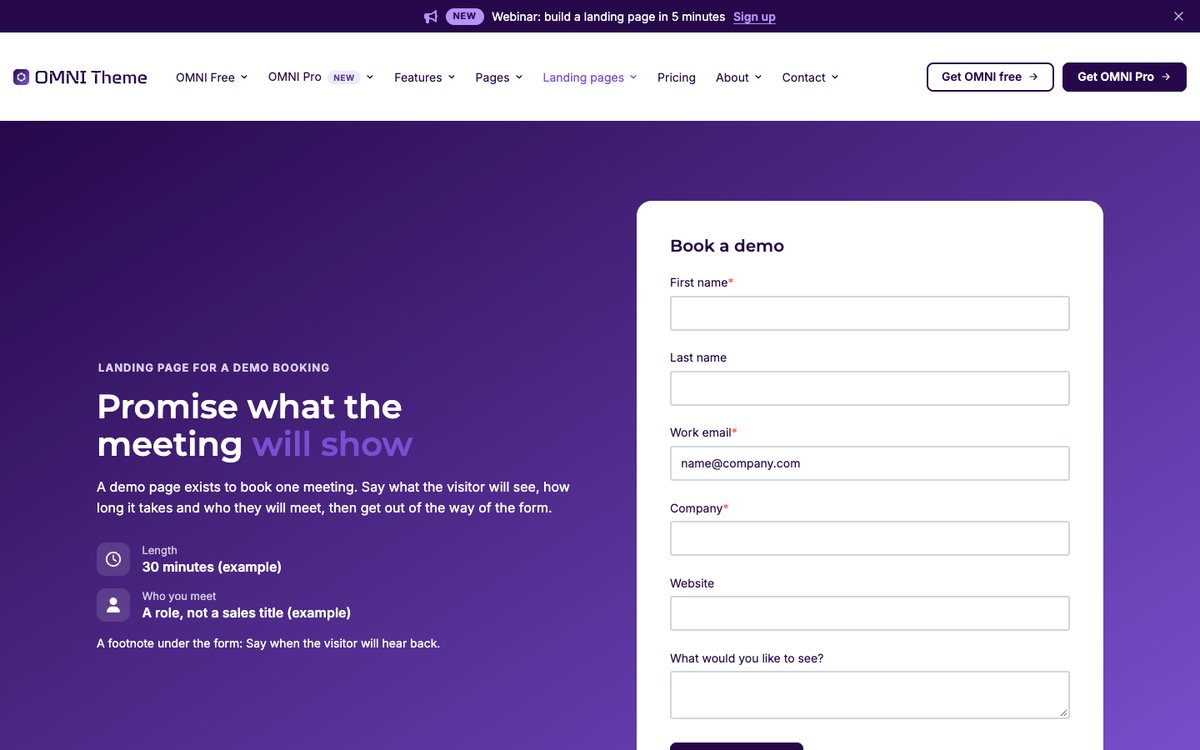
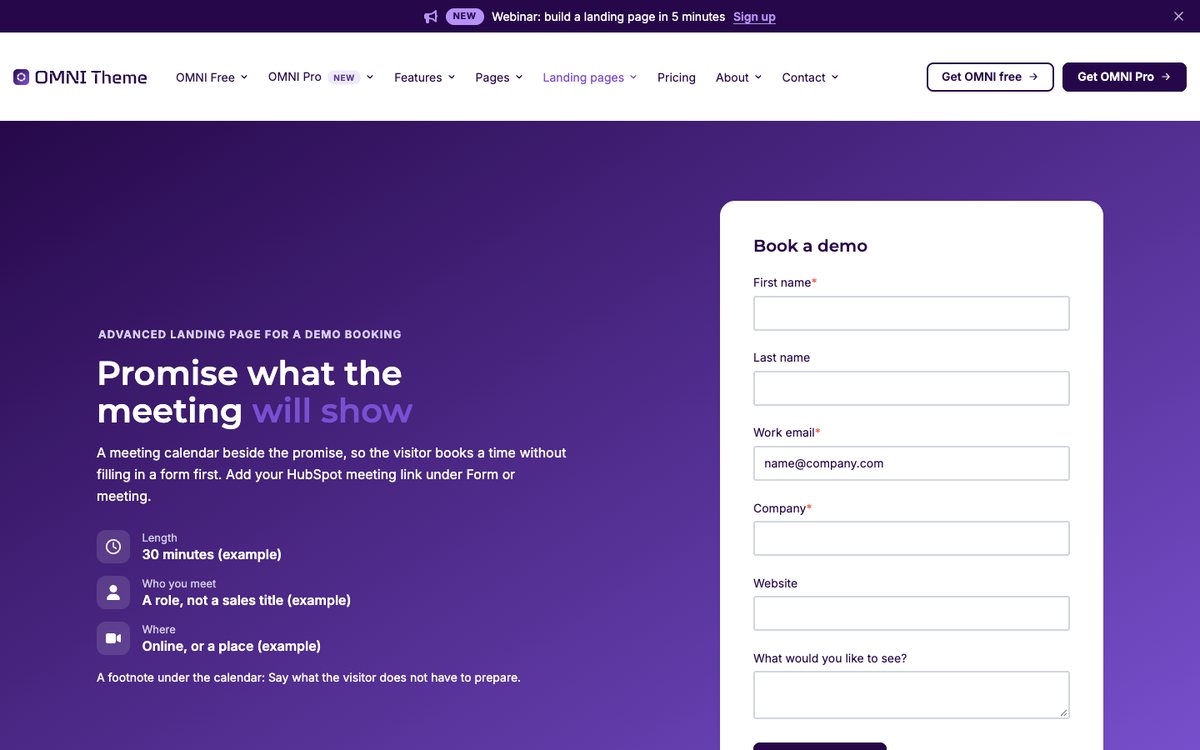
The first screen of the Book a demo page

Book a demo

The request form, what happens on the call, logos and a quote.
Open the page
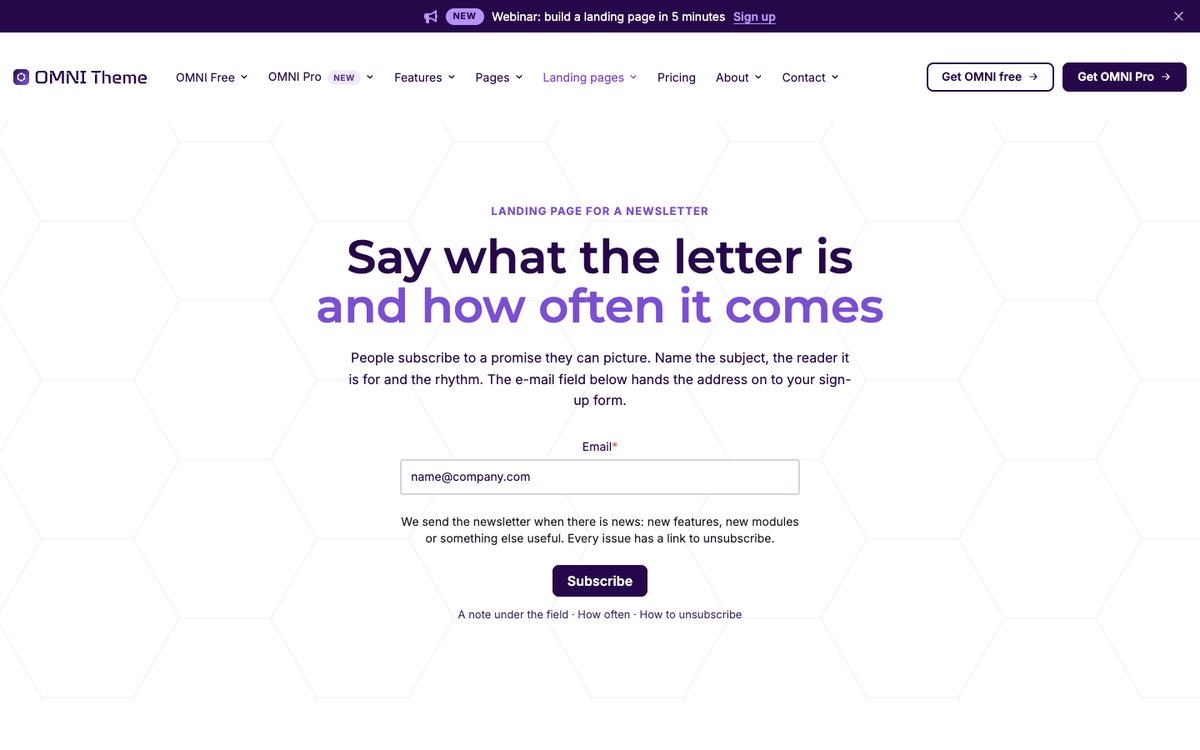
The first screen of the Newsletter sign-up page

Newsletter sign-up

An e-mail field in the hero, what lands in the inbox and a sample issue.
Open the page

In OMNI Pro

Pro landing pages

The same five, rebuilt around the advanced modules.
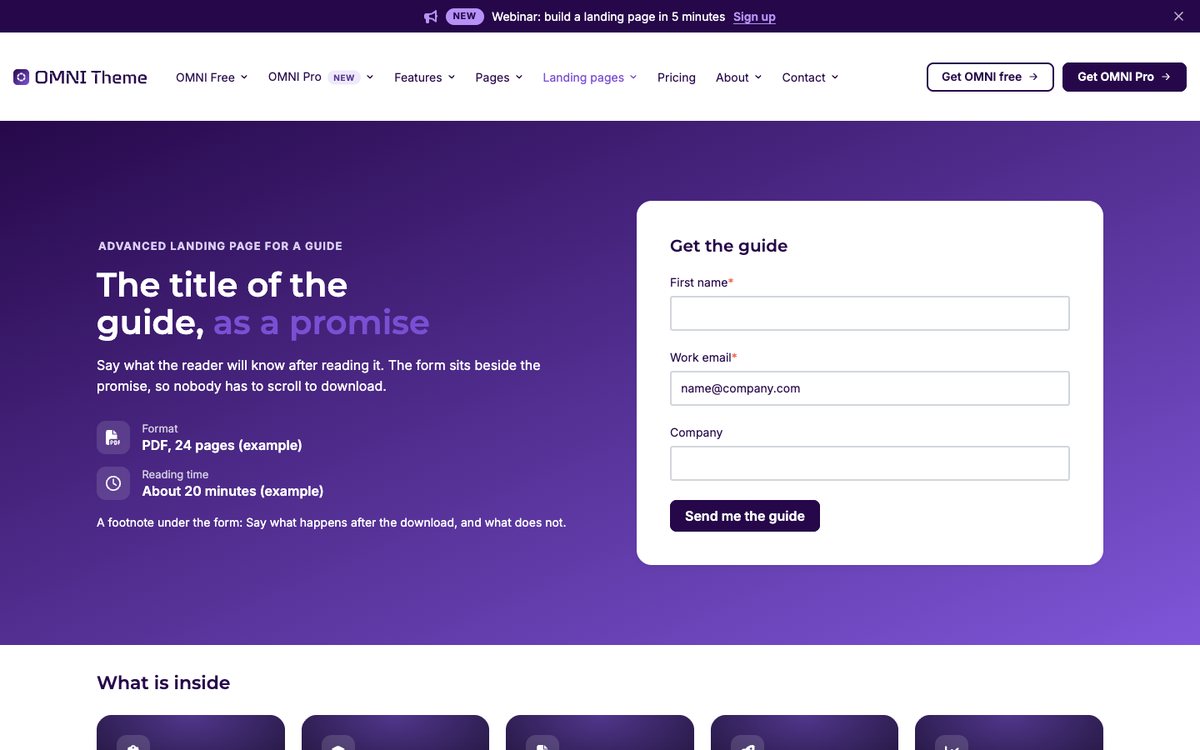
The first screen of the E-book or guide – Pro page

E-book or guide – Pro

The chapters as a card cluster and a look inside as expanding panels.
Open the page
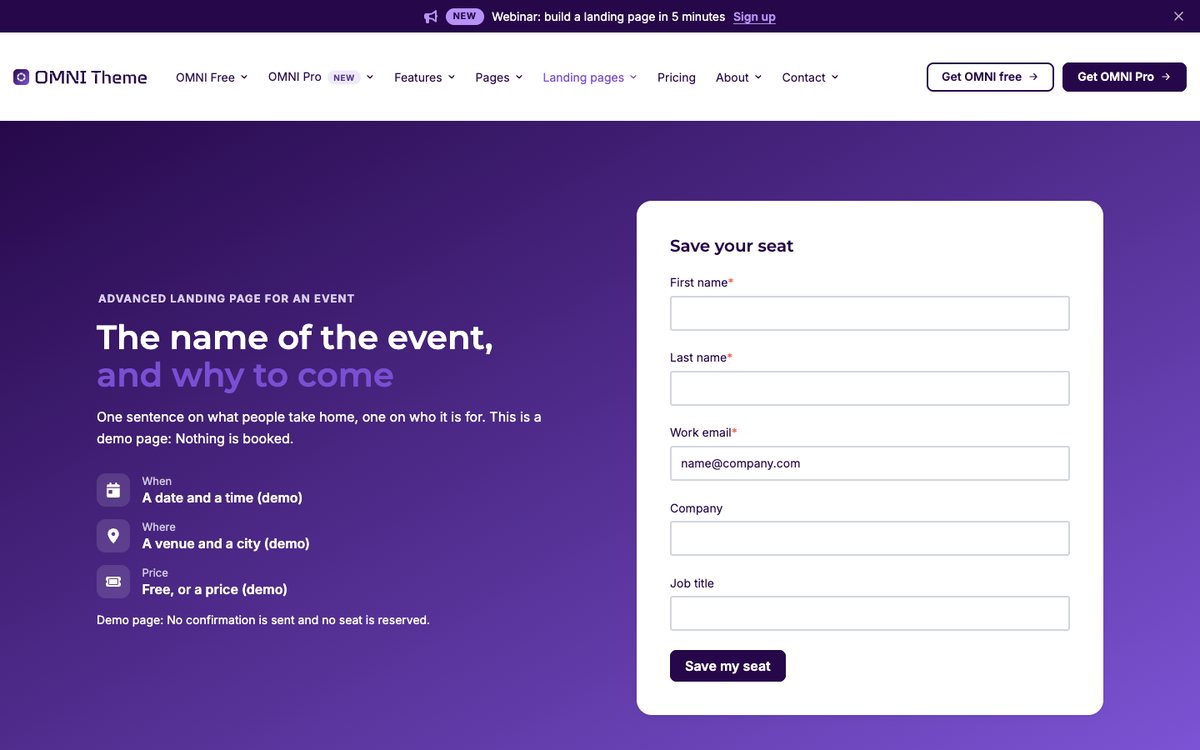
The first screen of the Event – Pro (demo) page

Event – Pro (demo)

An image wall, the programme as a product tour and parallax speaker cards.
Open the page
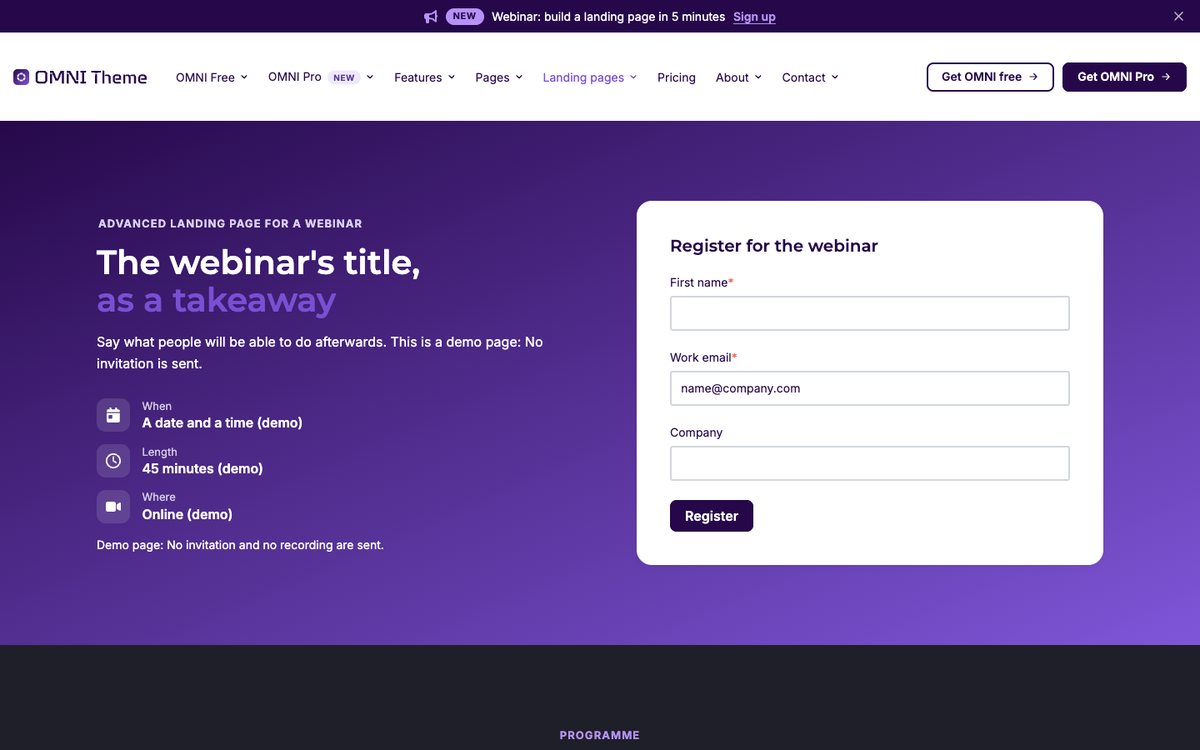
The first screen of the Webinar – Pro (demo) page

Webinar – Pro (demo)

The programme as a product tour and the takeaways as story panels.
Open the page
The first screen of the Book a demo – Pro page

Book a demo – Pro

A meeting calendar, a product tour of the call and before and after.
Open the page
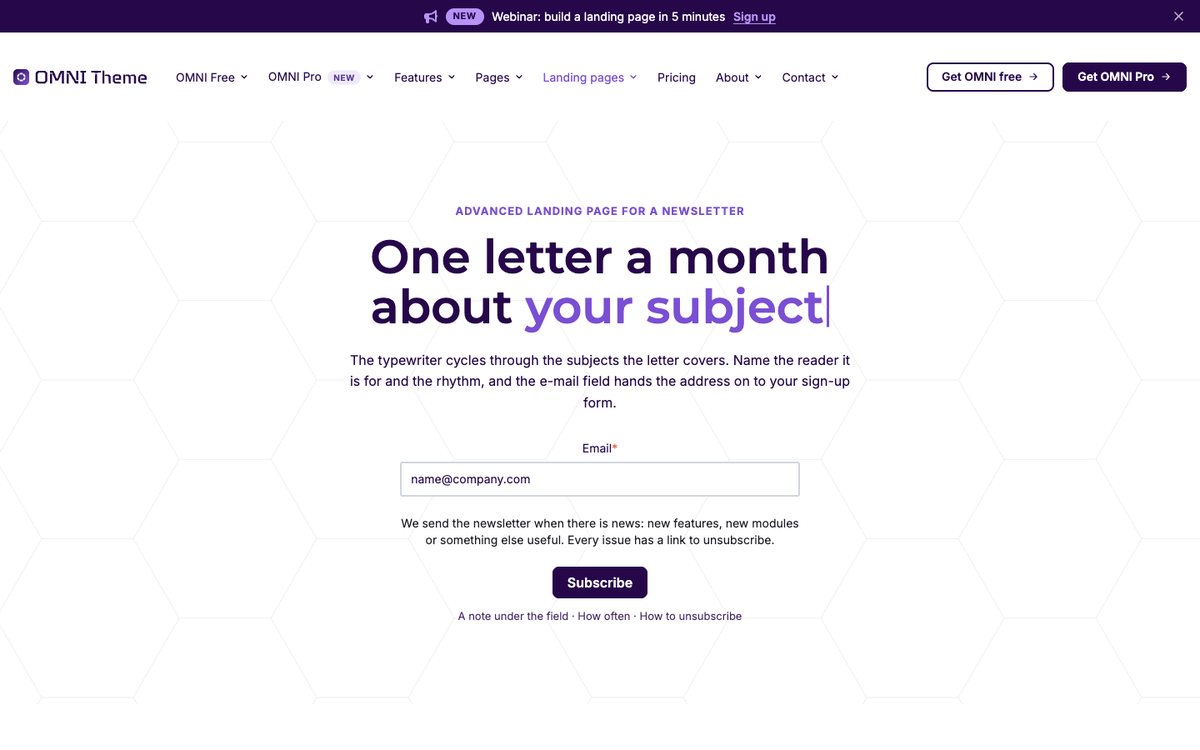
The first screen of the Newsletter – Pro page

Newsletter – Pro

A typewriter hero, story panels, a sample issue and a score meter.
Open the page

Website pages

Looking for the website pages?

Front pages, pillar pages, product and service pages, about and contact all have their own overview.