Skip to content
New Webinar: build a landing page in 5 minutes Sign up

OMNI Free

The free theme. The whole website.

Nineteen drag-and-drop modules and 20 page templates for company websites on HubSpot CMS. Free forever, no trial and no seat count.
The theme in the page editor

What is included

Everything a company website needs

The free theme is not a sample. It is the whole set of sections a company website runs on.

19 modules

Hero, feature cards, text and media, pricing, comparison table, timelines, quotes, questions, logo scroller, team, articles, calls to action, header and footer.
See them all

20 page templates

Front pages, pillar pages, product and service pages, about, contact, blog, system pages and five landing pages.
See the templates

One place for the brand

Your fonts, colours, corners, spacing and motion are set once and every page follows. Nobody has to remember a hex value, and light and dark colour mode comes from the same panel.
How it works

Modules

Sections that do the work

Every section is a module with its own settings for layout, colours, background and motion. One module covers what a page builder needs ten for.
The module list

Theme settings

The brand, set once

Colours, fonts, corners, shadows and motion are theme settings. There is no page where someone hard-coded a hex value, so a rebrand is an afternoon.
Theme settings with the brand colours

Performance

Fast is included

One bundled stylesheet, the theme's own subset fonts, images through HubSpot's resizer and scripts deferred to the footer. The demo site scores 98 on a mid-range phone.
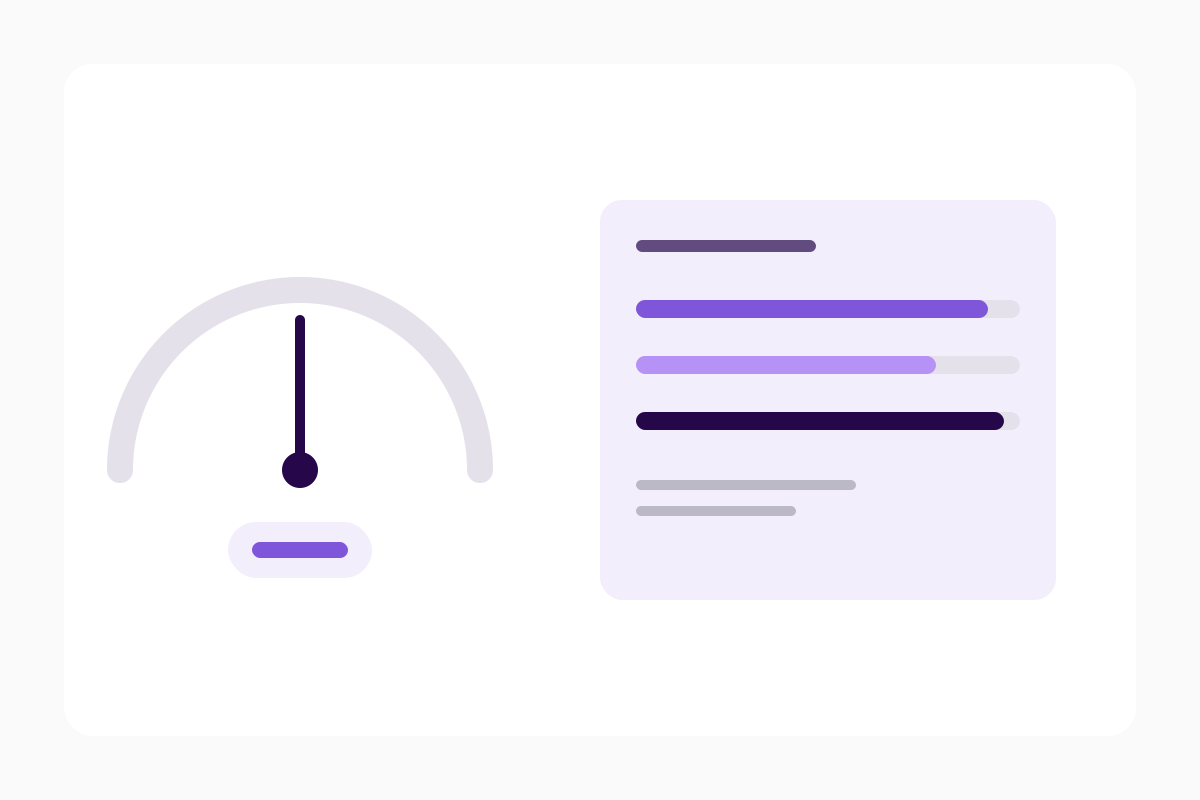
A performance report

Page templates

Every page, ready to start from

Pick one, replace the words, publish. Each of these is a template in the theme, shown here as the demo page it builds.
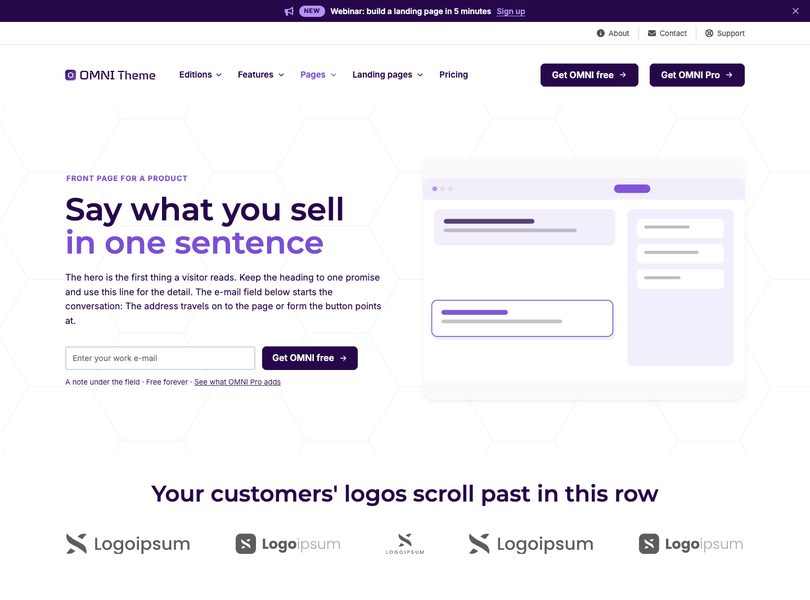
Home for a website platform template

Home for a website platform

A front page for a product, with an e-mail sign-up in the hero.
Open the page
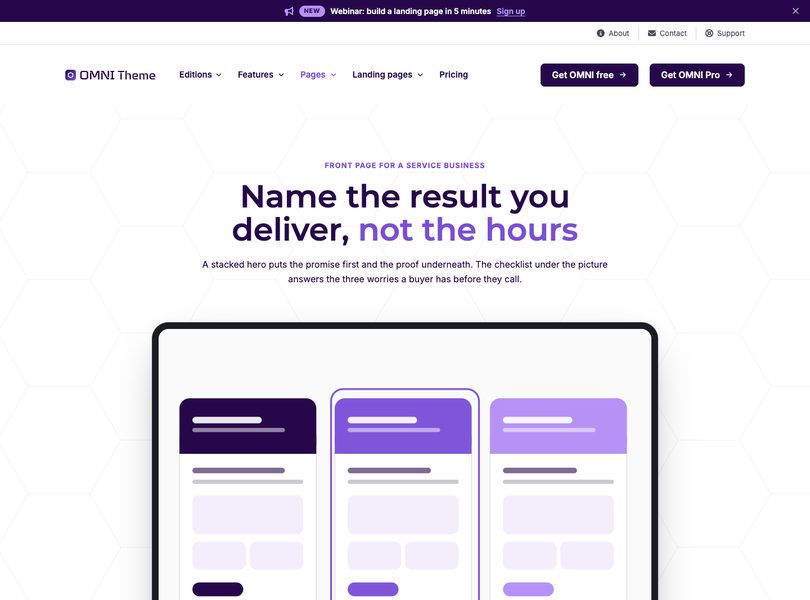
Home for a web design studio template

Home for a web design studio

A front page for a service business, with a checklist and a process.
Open the page
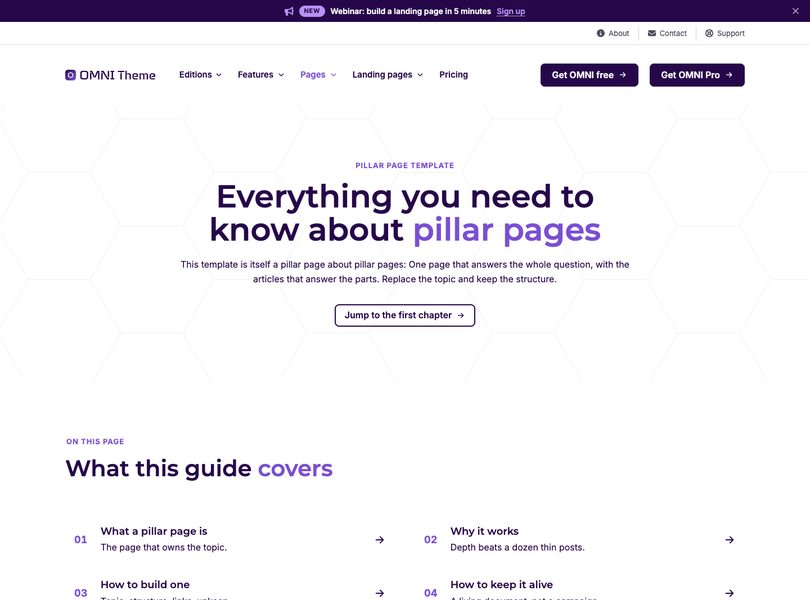
Pillar page template

Pillar page

The page that owns a topic, with chapters and a question list.
Open the page
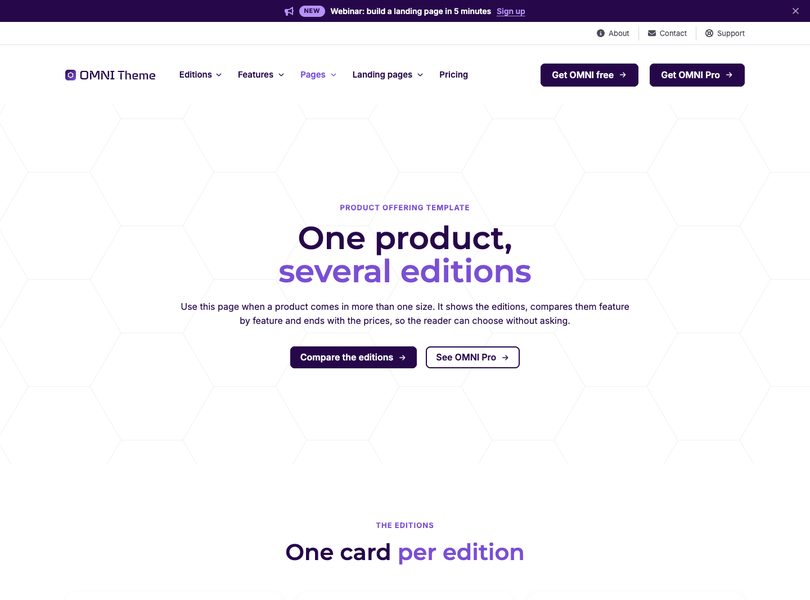
Product offering template

Product offering

Several editions of one product, compared side by side.
Open the page
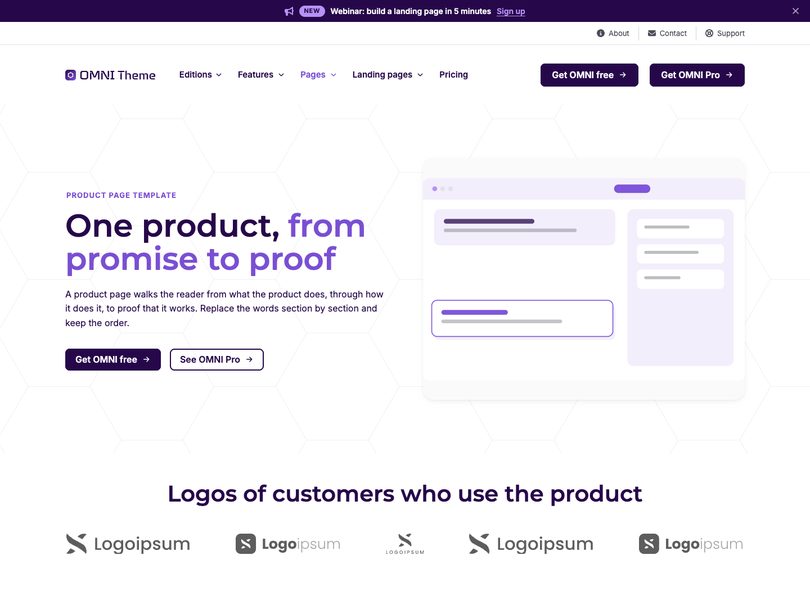
Product page template

Product page

One product in depth, from the promise to the questions.
Open the page
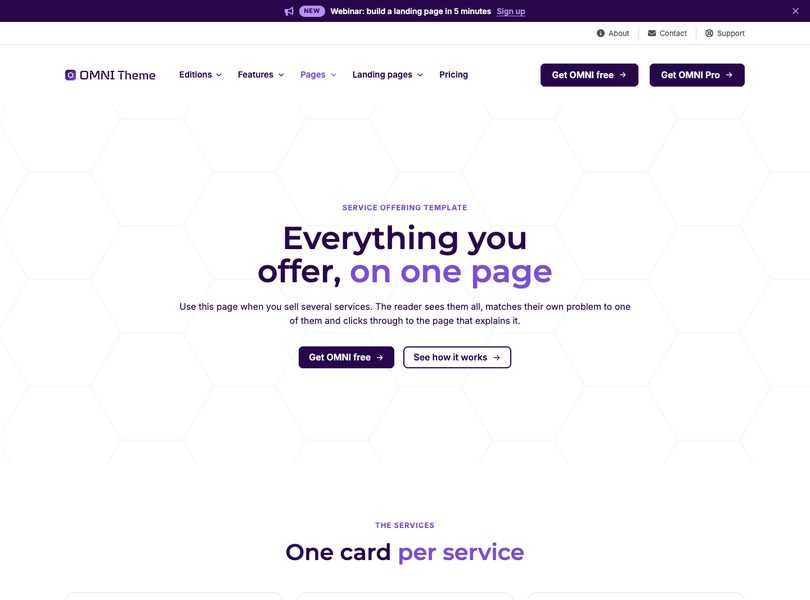
Service offering template

Service offering

Everything you do, as a set of services people can pick from.
Open the page
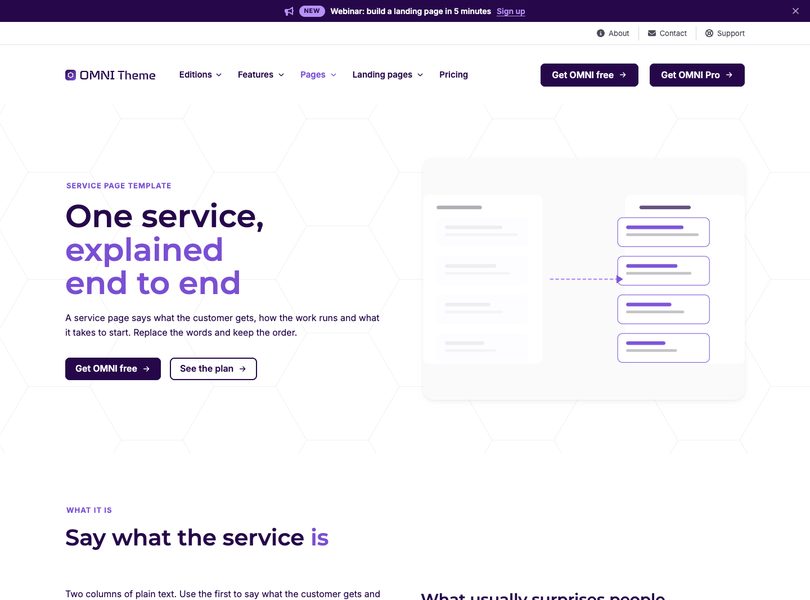
Service page template

Service page

One service explained end to end, with the way of working.
Open the page
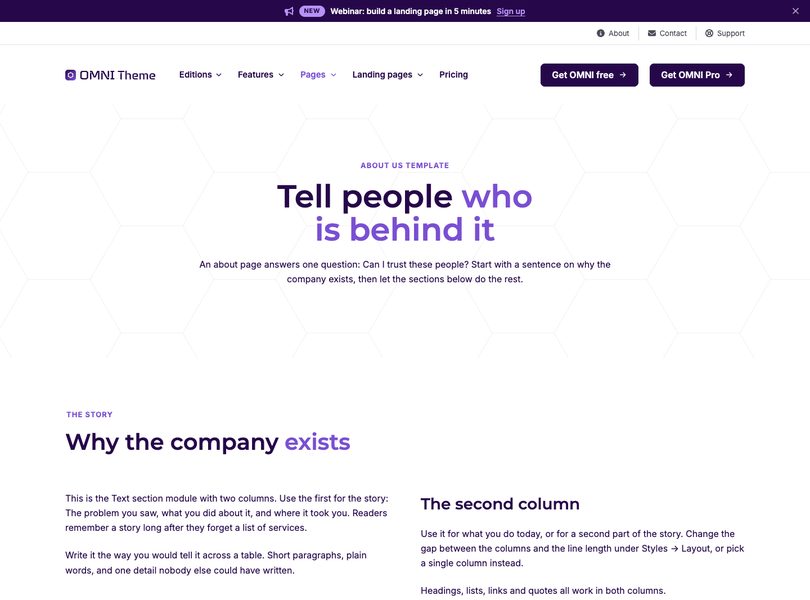
About us template

About us

The story, the numbers, the people and what you stand for.
Open the page
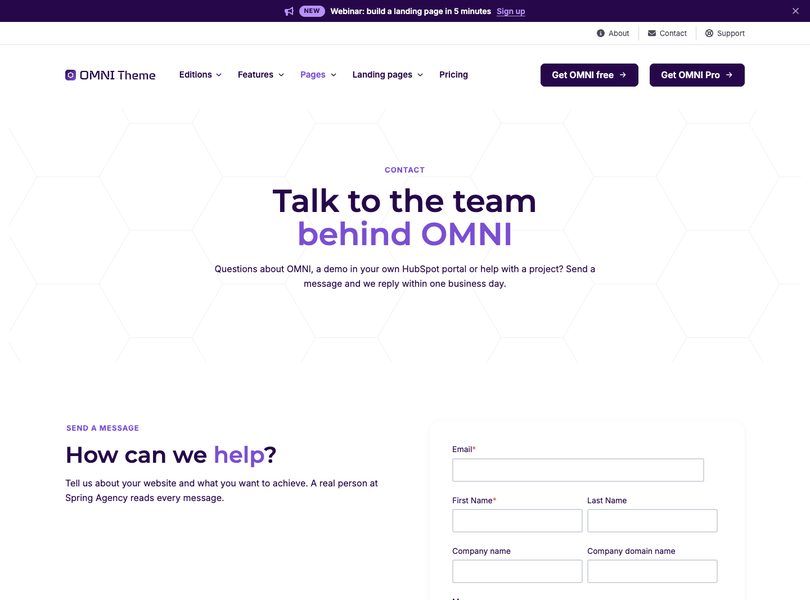
Contact template

Contact

A form beside the practical details, with a map of the questions.
Open the page
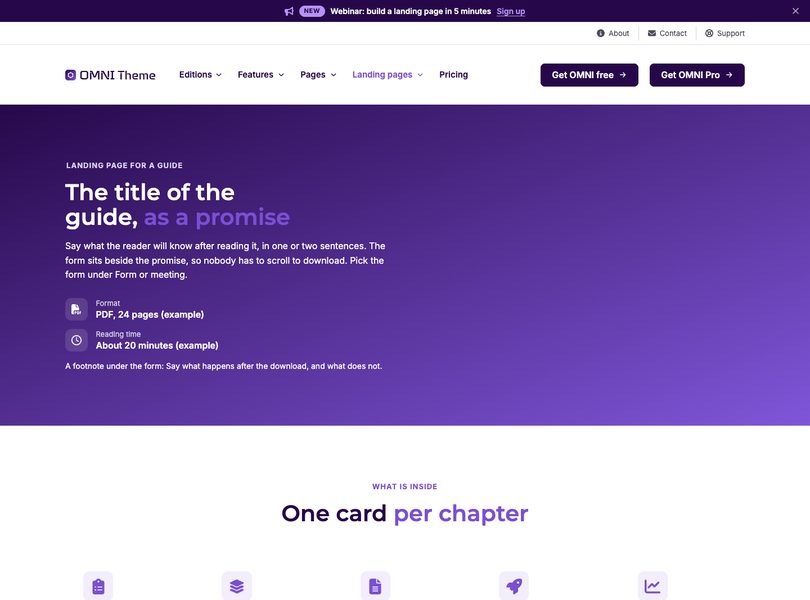
Landing page for a guide template

Landing page for a guide

A download page: The form beside the promise.
Open the page
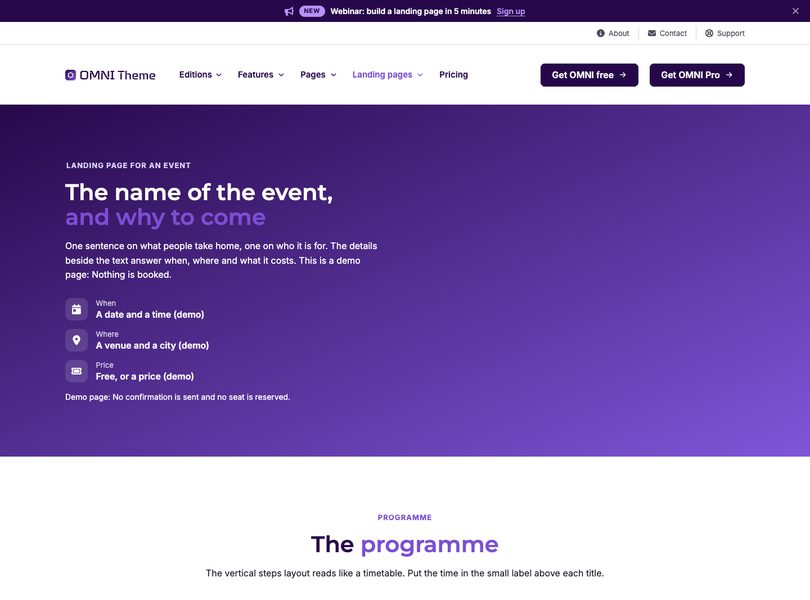
Landing page for an event template

Landing page for an event

Sign-up with the programme, the speakers and the details.
Open the page
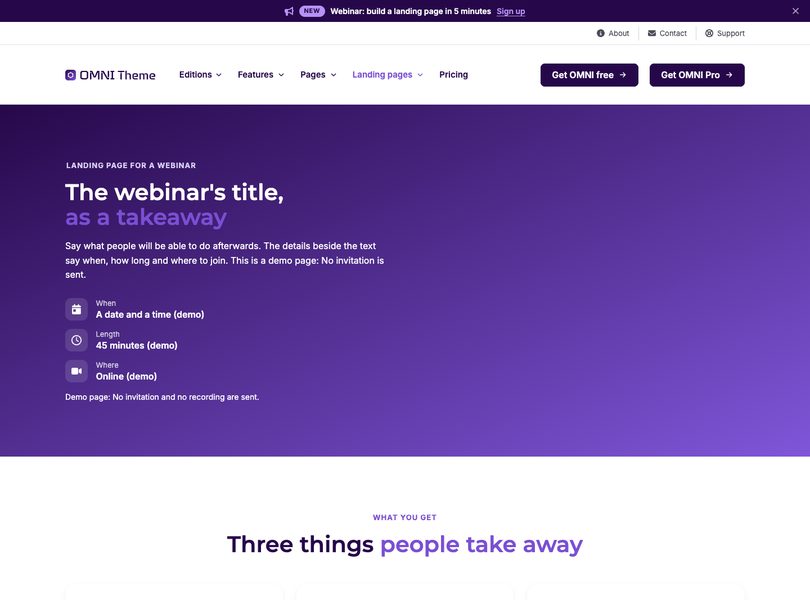
Landing page for a webinar template

Landing page for a webinar

Sign-up with what you will learn and who is presenting.
Open the page
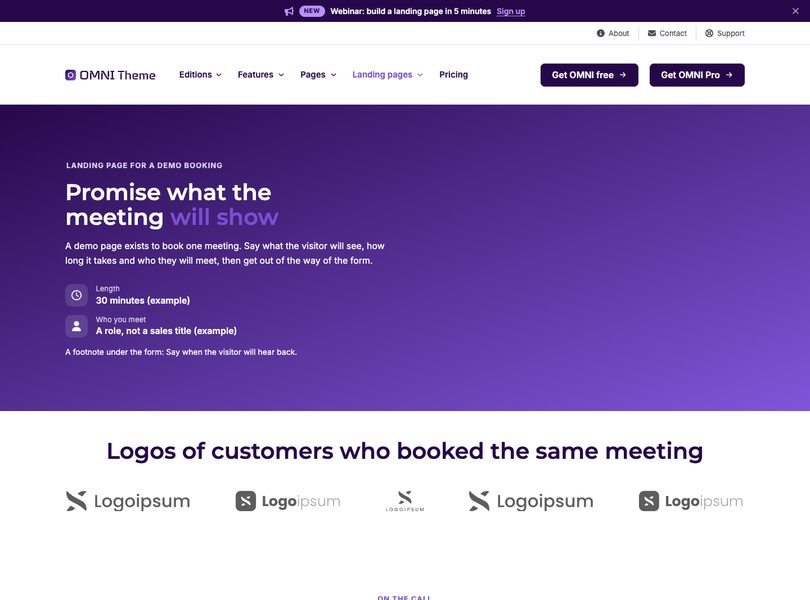
Landing page for a demo booking template

Landing page for a demo booking

A short page that exists to book one meeting.
Open the page
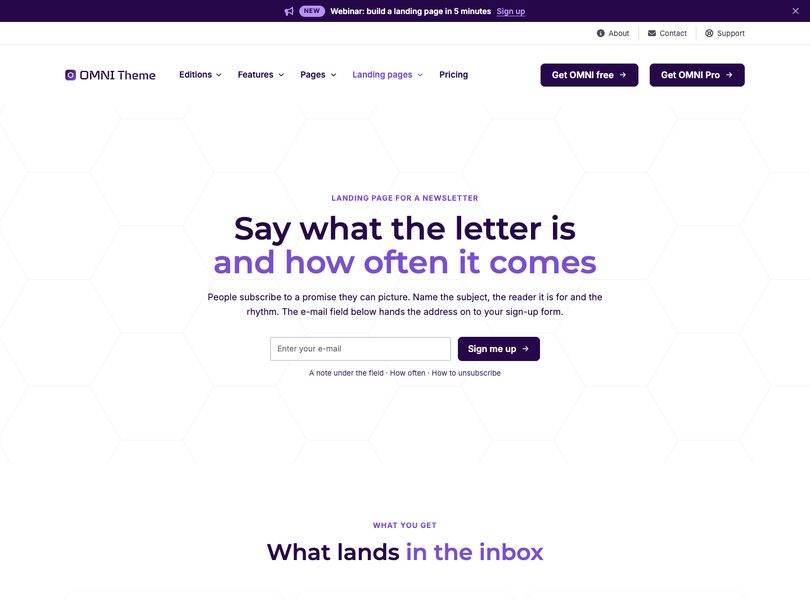
Landing page for a newsletter template

Landing page for a newsletter

Sign-up with what the letter is and how often it comes.
Open the page

In the box

What you get for nothing

  • 19

    Modules

    Every section a B2B website needs.

  • 20

    Page templates

    Front pages, pillar pages, product, service and landing pages.

  • 99

    Lighthouse performance

    Desktop, measured on the OMNI front page on 3 October 2026.

A quote

Proof, from someone who uses it

Put the quote that names a result here, next to the numbers, where the reader is deciding whether to believe them.
Sofie Saddleson Brand Manager, Umbrella Corporation

Before you install

Questions about the free theme

Is it really free?

Yes. It is a free theme in HubSpot's template marketplace. No trial, no seat count and no feature that stops working after a month.

What is not in it?

The fifteen advanced modules, the mega menu and the custom CSS field. Those are OMNI Pro.

Do I need a developer?

No. Every page is built in HubSpot's drag-and-drop editor.

Can I upgrade later?

Yes. Pro adds modules and fields to the same theme, so every page you have built keeps working.

Need more?

OMNI Pro adds the advanced modules

Fifteen more modules, the mega menu and a custom CSS field on every module. Everything you build free keeps working.