



Advanced product page
One product, landing page
The product page with the Pro modules: A typewriter in the heading, a product tour, story panels, a feature comparison and a calculator that can send its result to a form.
Logos of customers who use the product
OMNI Pro
Four things the free theme cannot do
A table of contents that follows the reader, a calculator that turns a number into a conversation, full-width story panels and a mega menu. The loop beside this runs through all four.

Product tour
Stages that advance on their own
Each stage can show its own picture, animation or video. Click one to stay there.
Building the page

-
Front page, pillar page, product page, landing page: 20 templates come with the free theme, 13 more with OMNI Pro.
-
34 modules, each with its own layout, colour and motion settings.
-
Theme settings, not a hex value hidden on page seven.
-
One stylesheet, subset fonts and images through HubSpot's resizer.
A story told in three panels

Page templates
Every page, with the advanced sections
The same templates as the free theme, built with the Pro modules. Each one is shown as the demo page it builds.
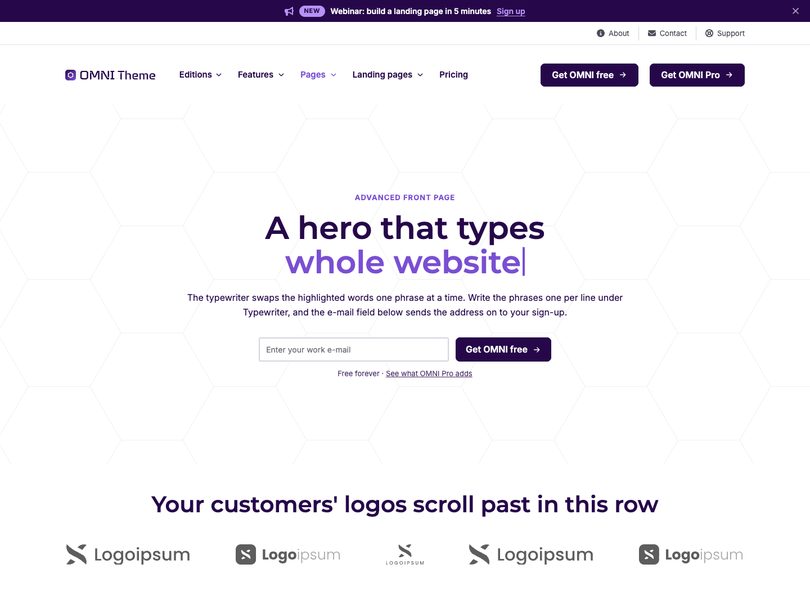
Advanced home page
A front page built around the Pro modules, from story panels to the score meter.
Open the page
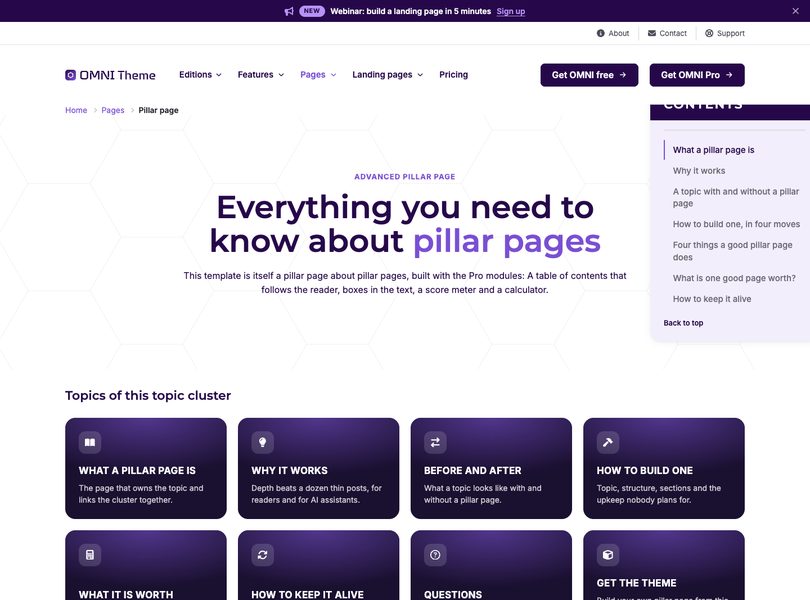
Advanced pillar page
A long topic page with a floating table of contents and a calculator.
Open the page
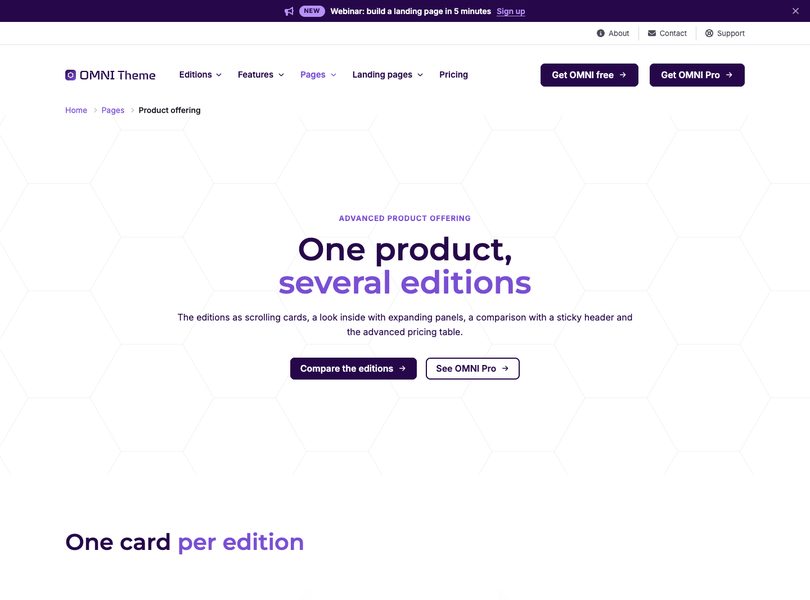
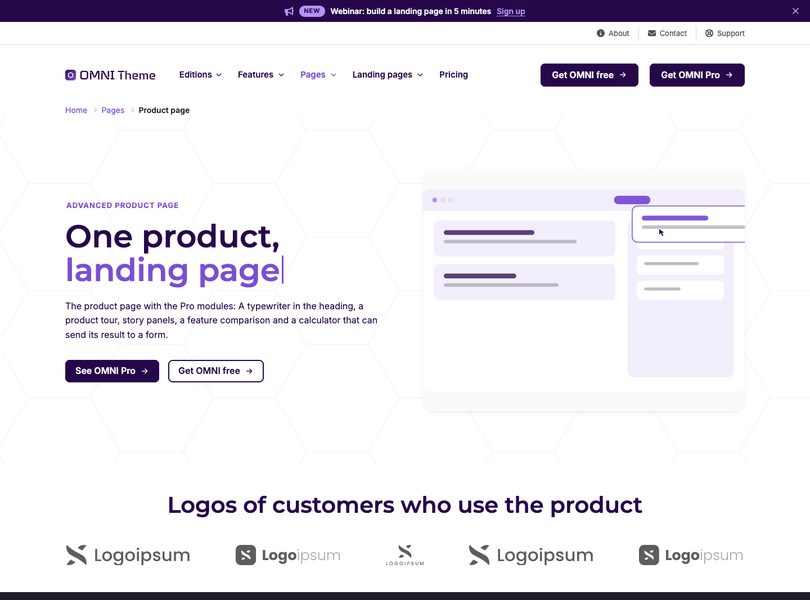
Advanced product page
One product with the product tour, story panels and the calculator.
Open the page
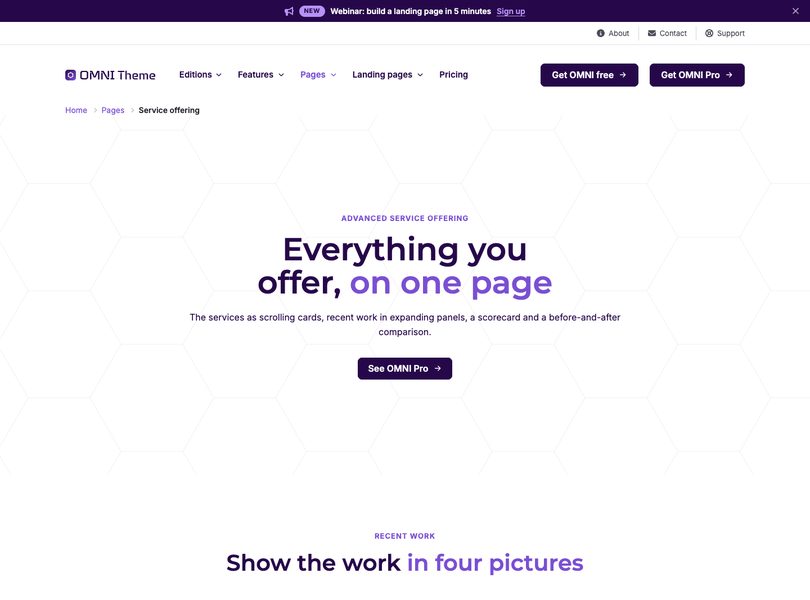
Advanced service offering
The services as scrolling cards, with a score meter and before and after.
Open the page
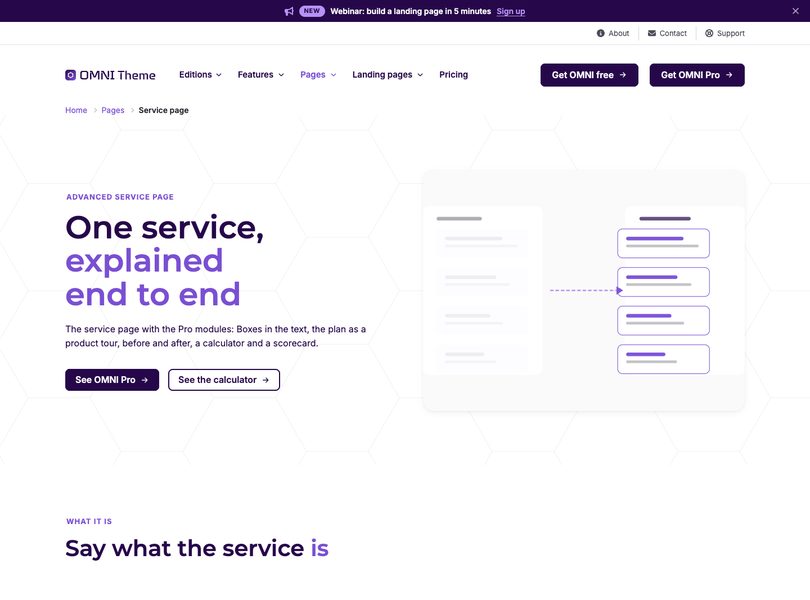
Advanced service page
One service with a product tour, a calculator and customer reviews.
Open the page
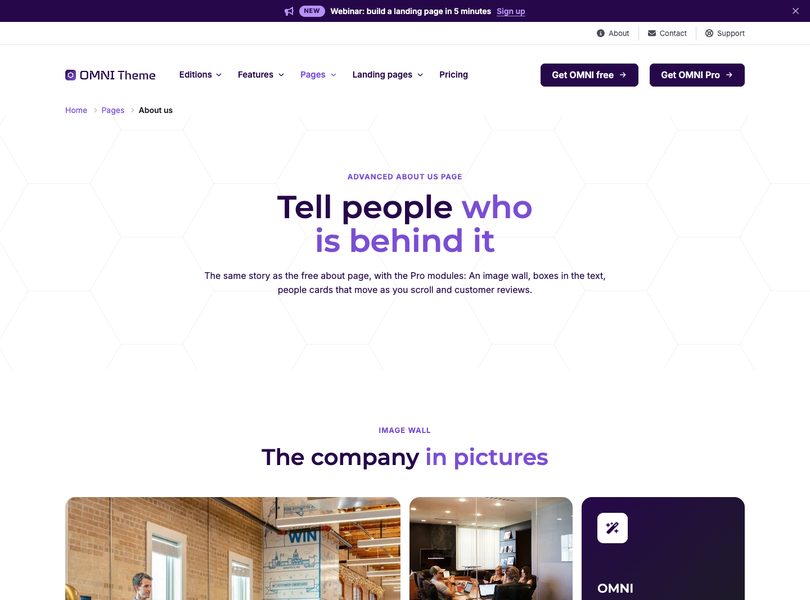
Advanced about us page
The story with an image wall, parallax people cards and reviews.
Open the page
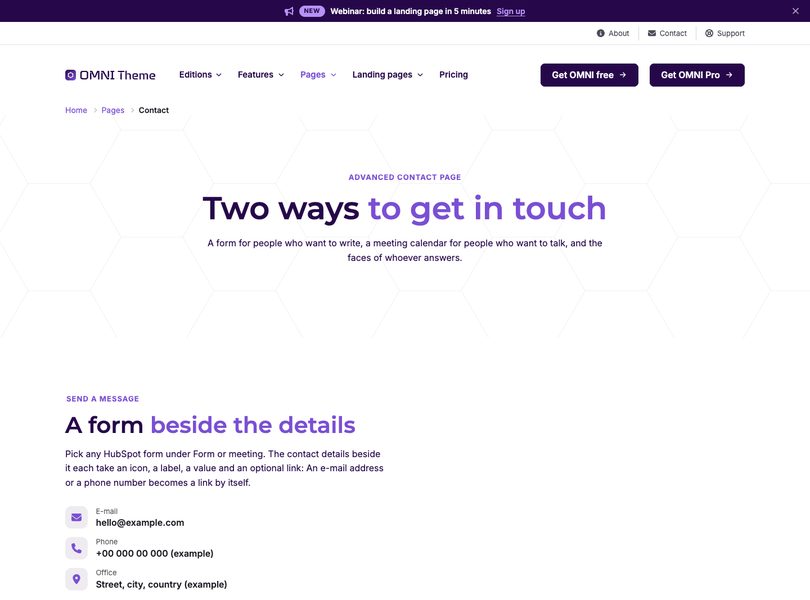
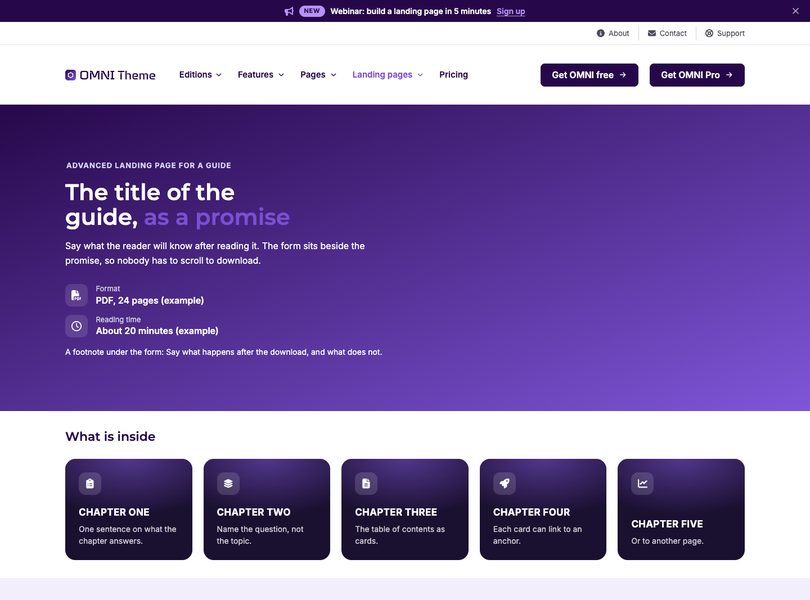
Advanced landing page for a guide
The chapters as a table of contents and a look inside.
Open the page
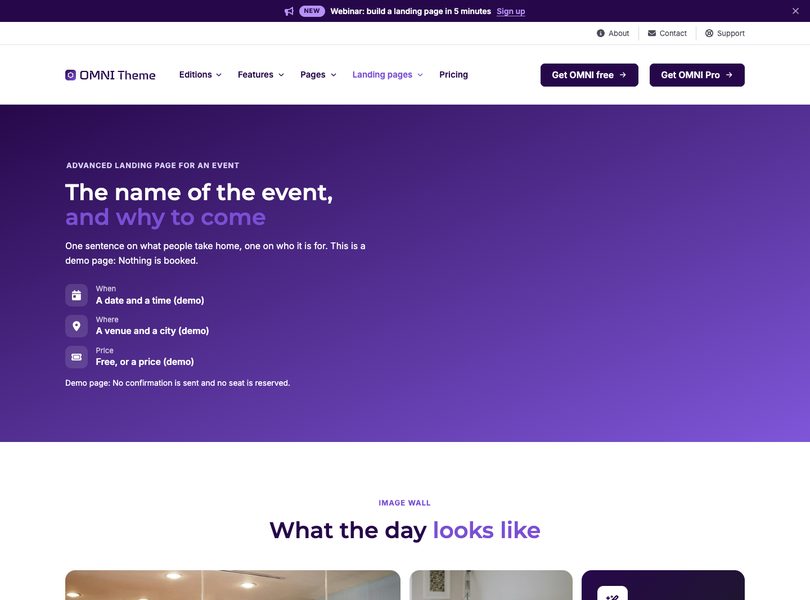
Advanced landing page for an event
An image wall, the programme as a tour and parallax speakers.
Open the page
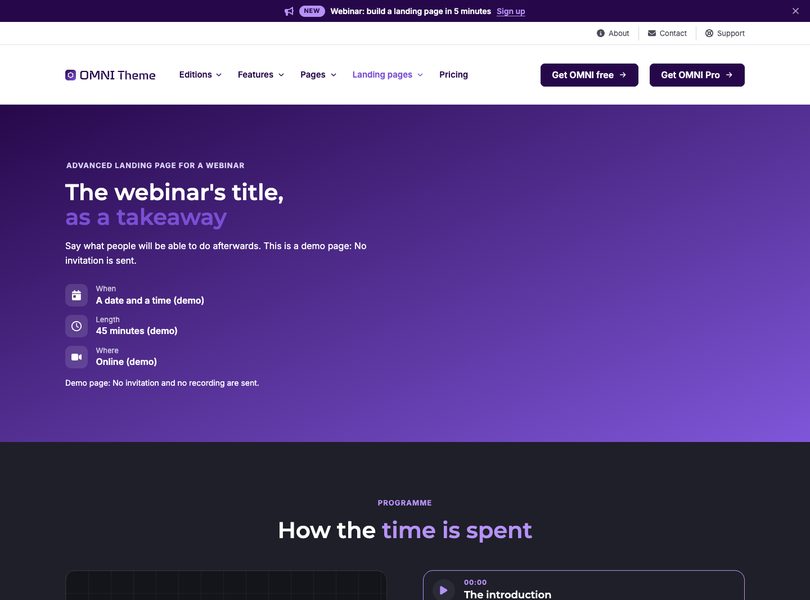
Advanced landing page for a webinar
The programme as a tour and the takeaways as story panels.
Open the page
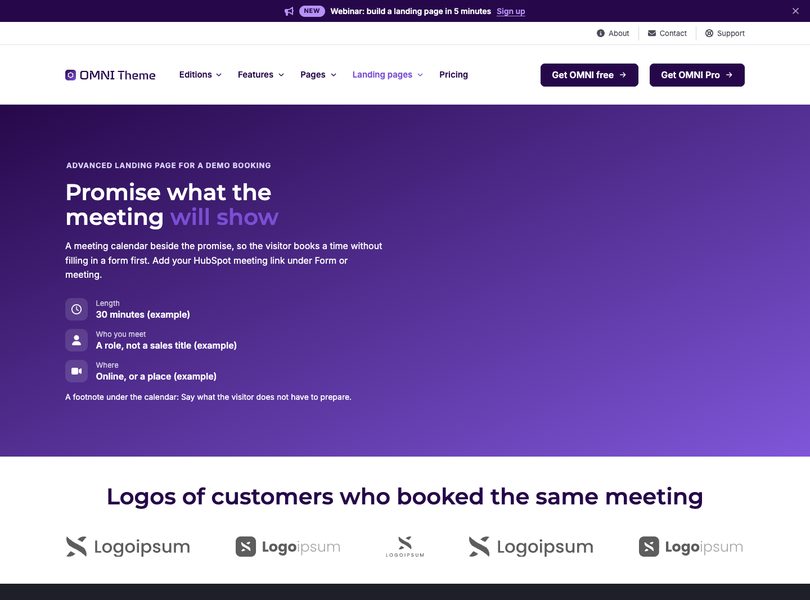
Advanced landing page for a demo booking
A meeting calendar beside the promise, and before and after.
Open the page
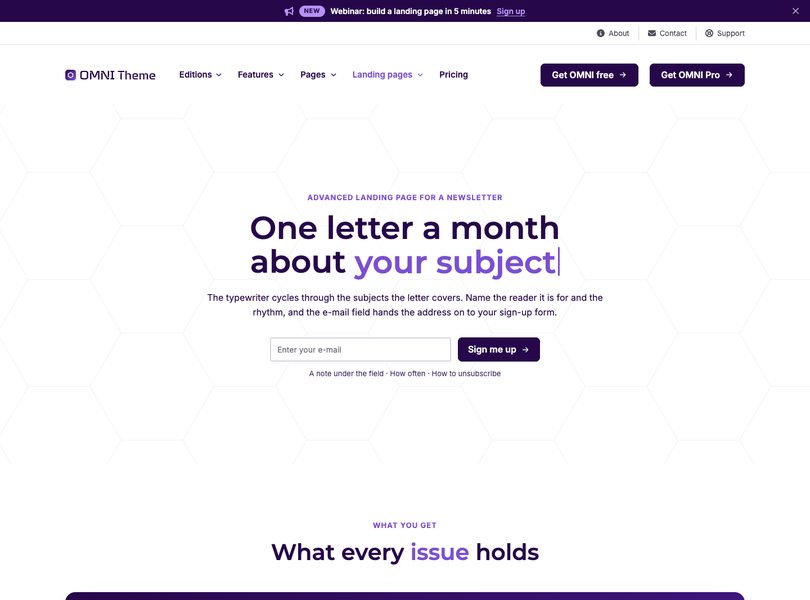
Advanced landing page for a newsletter
A typewriter hero, story panels and a score meter.
Open the page
Reviews
What customers write
-
 Review platform
4.8/5 Example: Based on 128 reviews
Review platform
4.8/5 Example: Based on 128 reviews -

We rebuilt our site on OMNI in three weeks. The team publishes new pages on their own now, and everything looks like one brand.
-

Landing pages that used to take a sprint now take an afternoon. The theme settings keep every page on brand.
-

The blog, the pricing page and the FAQ came ready to fill in. Our developer backlog for the website is empty.
-
Page speed went from red to green without touching code. The images and fonts are handled by the theme.