01
Build the page from sections
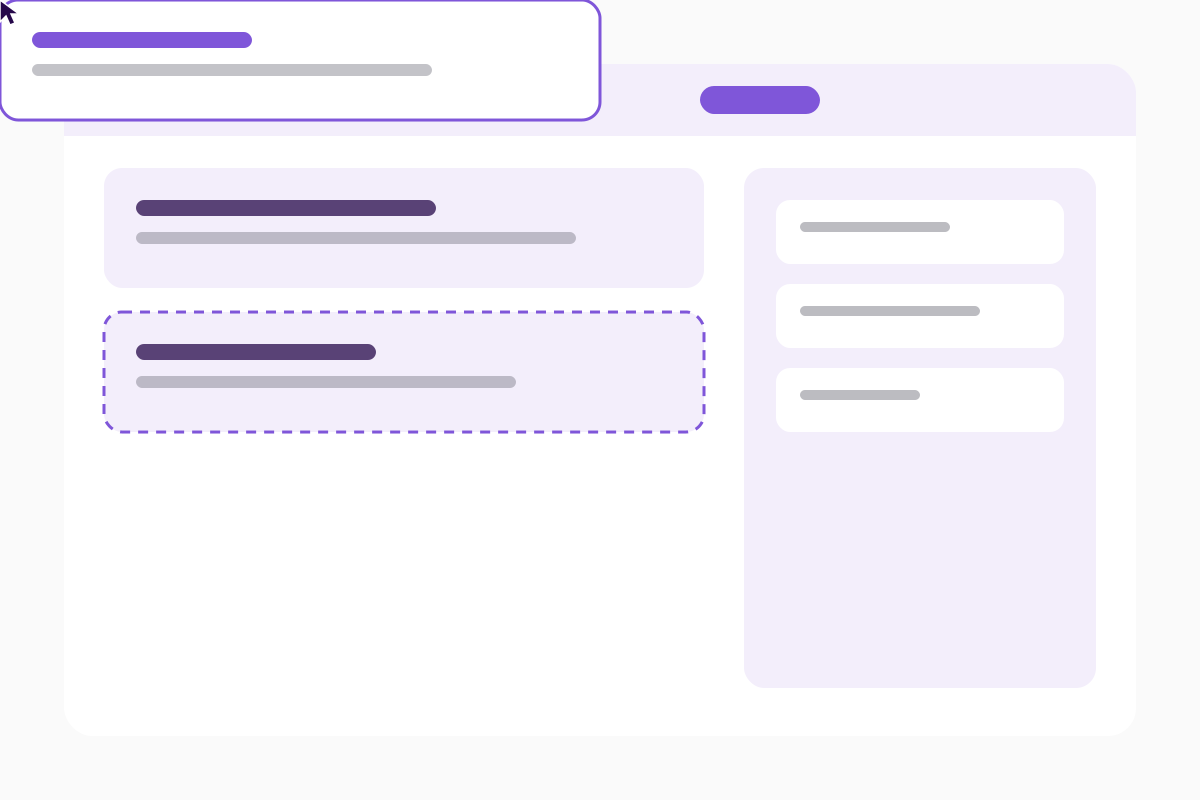
Drag a hero, a set of cards and a call to action into place, write the words and publish. Nothing waits for a developer.
OMNI Pro
Thirteen advanced modules, a mega menu and a custom CSS field on every module. For the sites where the standard sections run out.
OMNI Pro
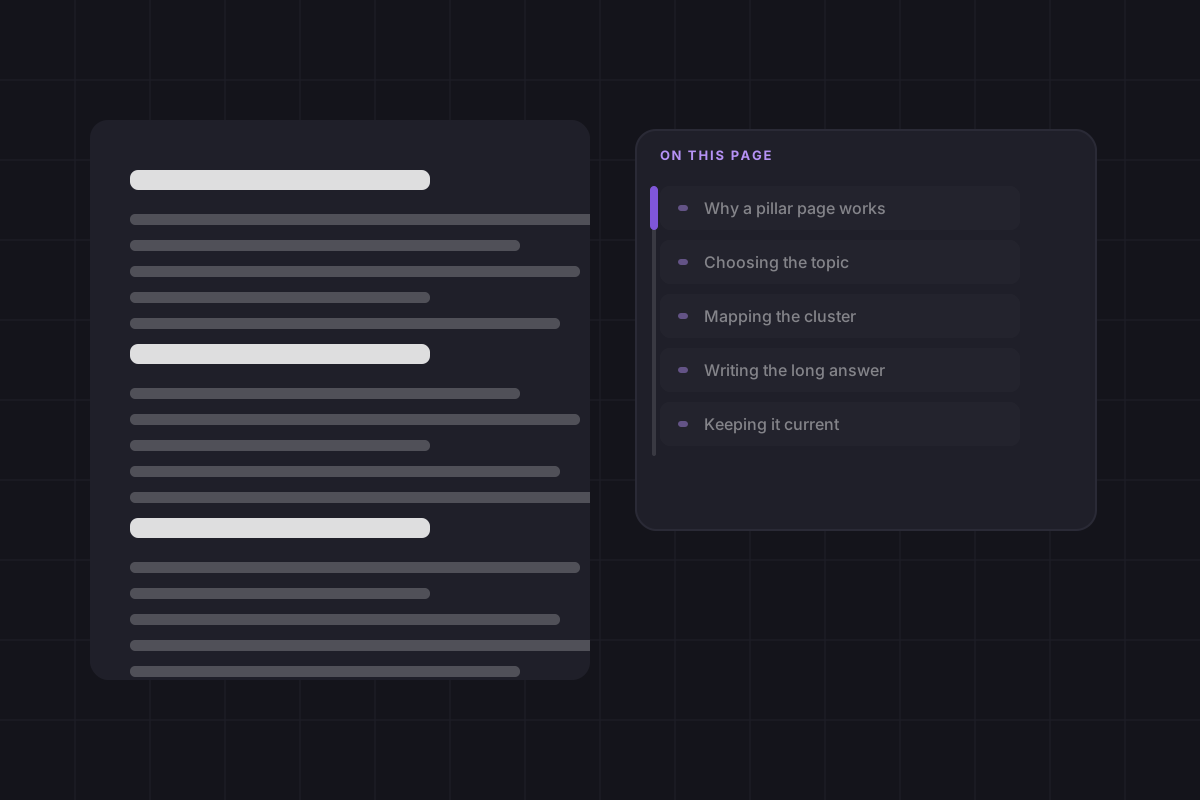
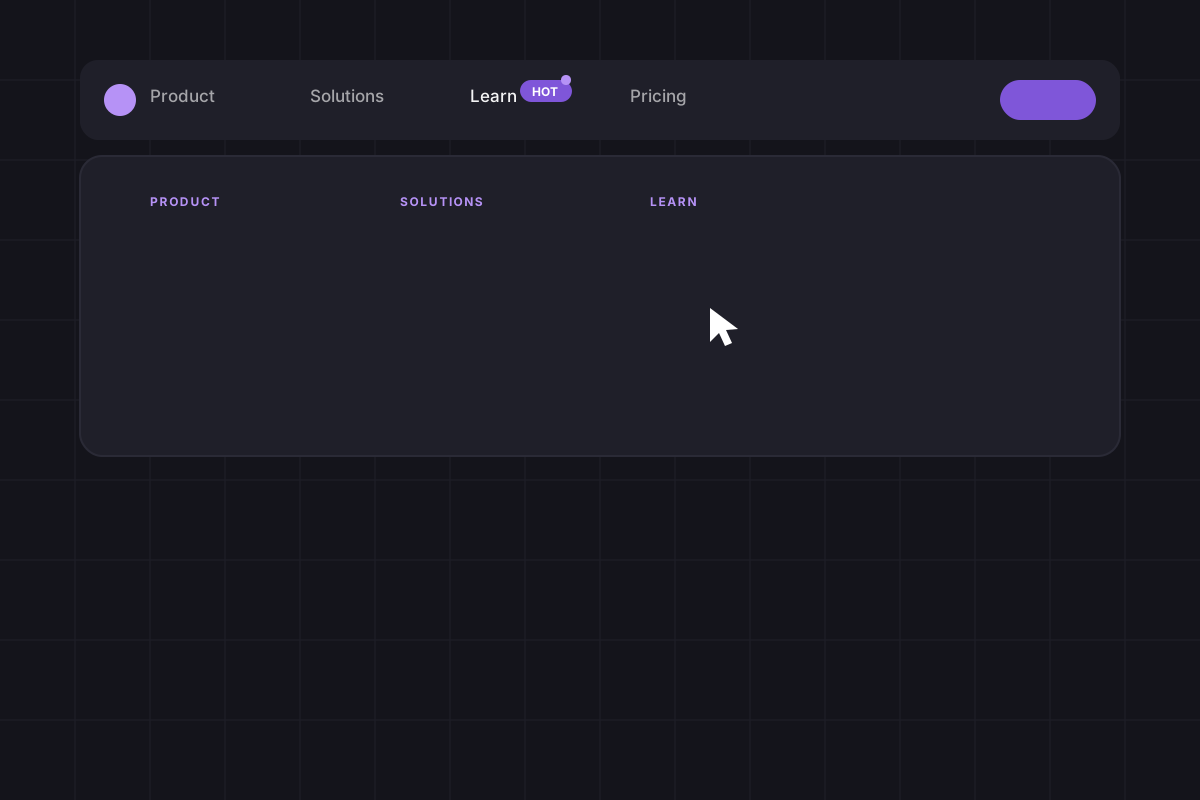
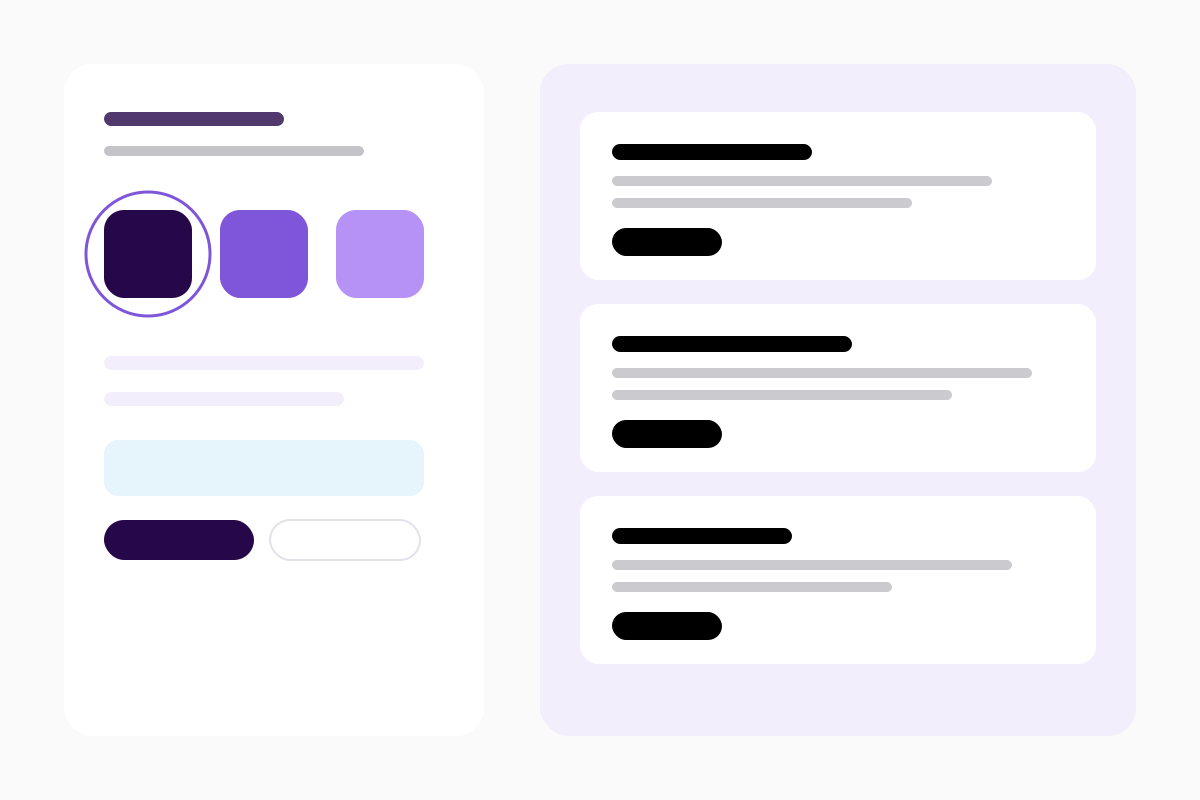
A table of contents that follows the reader down a long page. A calculator that turns a number into a conversation. Full-width story panels. A mega menu with room for everything. The loop beside this runs through all four.
What Pro adds
Click a stage to stay on it.
OMNI Pro
What it does
Drag a hero, a set of cards and a call to action into place, write the words and publish. Nothing waits for a developer.
Colours, fonts, corners, shadows and motion live in the theme settings, and every page follows, including the ones built last year.
One stylesheet, subset fonts, resized images and scripts in the footer. Speed survives the tenth page.
Free and Pro
The free theme is a whole theme. Pro adds the sections that carry a sales page, and the control a designer asks for.
| Feature | OMNI Free Free forever Get OMNI free | Most complete OMNI Pro One price per portal See OMNI Pro |
|---|---|---|
| Sections you build with | ||
| Standard modules Hero, cards, text and media, steps, statistics, quotes, FAQ, forms, logos, articles, tabs, team, gallery, text section, table, CTA and the rest | 19 | 19 |
| Advanced modules | Not in this edition | 13 |
| Text section The long-form text module with headings, columns and line length | Included | Included |
| Boxes inside the Text section Expanding, static, highlighted and icon boxes inside the running text | Not in this edition | Included |
| Table of contents Inline, floating or as a topic cluster, with scroll spy and reading progress | Not in this edition | Included |
| Calculator Sliders, numbers and choices that add up to a result, and send it to a form | Not in this edition | Included |
| Product tour A stage list with its own picture, animation or video beside it | Not in this edition | Included |
| Story panels Full-width panels with their own gradient and image | Not in this edition | Included |
| Navigation and header | ||
| Site header with menu and dropdowns | Included | Included |
| Mega menu Full-width panels under a menu item, with columns and a promo card | Not in this edition | Included |
| Announcement bar A closable bar above the menu for a course, an event or an offer | Not in this edition | Included |
| Menu tags A pill such as New or Hot on a menu item, with an optional pulsing dot | Not in this edition | Included |
| Dark bar when scrolling The sticky bar swaps to its own palette and logo | Included | Included |
| Site footer with link columns | Included | Included |
| Pages you start from | ||
| Page templates Front pages, pillar, product and service pages, about, contact and an overview | 20 | 21 |
| Landing page templates E-book, event, webinar, book a demo and newsletter sign-up | 5 | 5 |
| Blog listing and article | Included | Included |
| System pages 404, 500, search, password, subscription and membership pages | 11 | 11 |
| Design control | ||
| Brand in one place Colours, fonts, buttons, corner radius and spacing in Theme settings | Included | Included |
| Light and dark colour mode Per section, or for the whole site | Included | Included |
| Entrance animation Per module, with a global switch and reduced-motion support | Included | Included |
| Background image, video, gradient and pattern | Included | Included |
| Custom CSS on every module A field on each module instance, scoped so it cannot leak | Not in this edition | Included |
| Animated illustrations in the theme Small SVGs with the animation inside, so they need no script | 12 | 17 |
| Getting help | ||
| Documentation | Included | Included |
| E-mail support | Included | Included |
| A setup session with us An hour on a call: install, brand setup and the first page | Not in this edition | Included |
| Custom design and development Quoted before anything starts | On request | On request |
Everything you build on the free theme keeps working. Pro only adds.
Expanding panels, scrolling cards, section separator, image wall, parallax people cards, customer reviews, story panels, advanced pricing, before and after, score meter, product tour, calculator and table of contents.
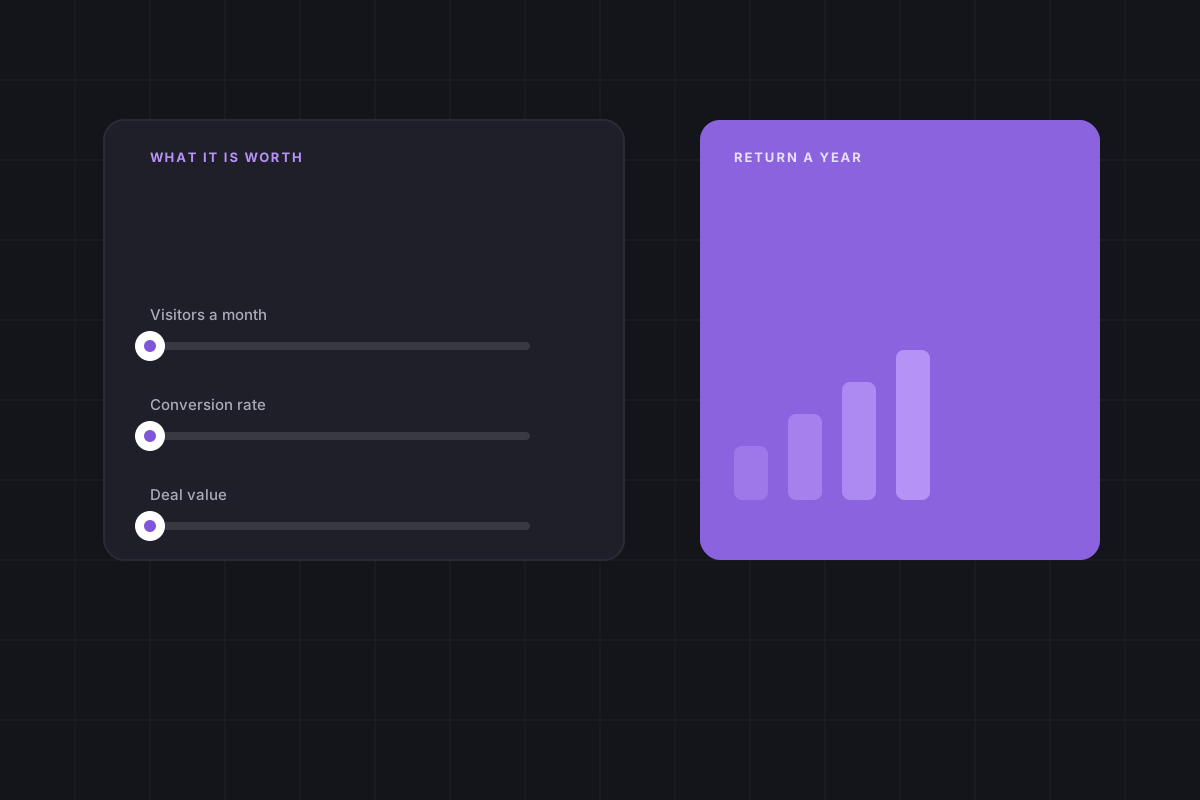
Calculator
Your own numbers, calculated in your browser.
Your team today
Rough numbers are fine.
Saved per year
–
At the 80 % of page work that moves to the editor
Developer hours given back per month
–
Cost today, per year
–
Estimates. Your own numbers will differ.
Reviews
![]()
We rebuilt our site on OMNI in three weeks. The team publishes new pages on their own now, and everything looks like one brand.
![]()
Landing pages that used to take a sprint now take an afternoon. The theme settings keep every page on brand.
![]()
The blog, the pricing page and the FAQ came ready to fill in. Our developer backlog for the website is empty.
![]()
Page speed went from red to green without touching code. The images and fonts are handled by the theme.
Before you upgrade
Expanding panels, scrolling cards, section separator, image wall, parallax people cards, customer reviews, story panels, advanced pricing, before and after, score meter, product tour, calculator and table of contents. Plus the boxes in the Text section, the mega menu and custom CSS per module.
No. Pro adds modules and fields to the same theme. Every page you have built keeps working exactly as it is.
Start with the free theme. Every page on this site is built with it, and the Pro sections are marked.
Start where you are
Pro adds modules and fields to the same theme, so every page you have already built keeps working exactly as it is.